Professional Training Organization
Every event had 20 seats, and the team counted them by hand. Now GoHighLevel counts every sign-up and tells the team exactly when to close registration.
This training organization runs two to three public events a month, each capped at 20 attendees. Manual counting meant real risk of overbooking. We built registration in GoHighLevel with a live seat counter per event, an early warning at 15 and a close-now alert at 20.
Accurate seat counts for every event and alerts at the exact moment to act, with no manual tracking.
Seat counts kept by hand meant overbooking was always one sign-up away.
With several events open at once and a hard limit on each, the team needed an accurate count and a clear signal to stop taking registrations.
A hard seat limit
Every event could take only 20 attendees, so the count had to be right every time.
Several events at once
Registrations for different dates came in side by side, and each date needed its own count.
No early warning
The team had no signal an event was nearly full until it was already close to the limit.
Registration stayed open
Nothing flagged when to stop sign-ups, so people could still register for an event that was already full.
Count, warn, close and redirect.
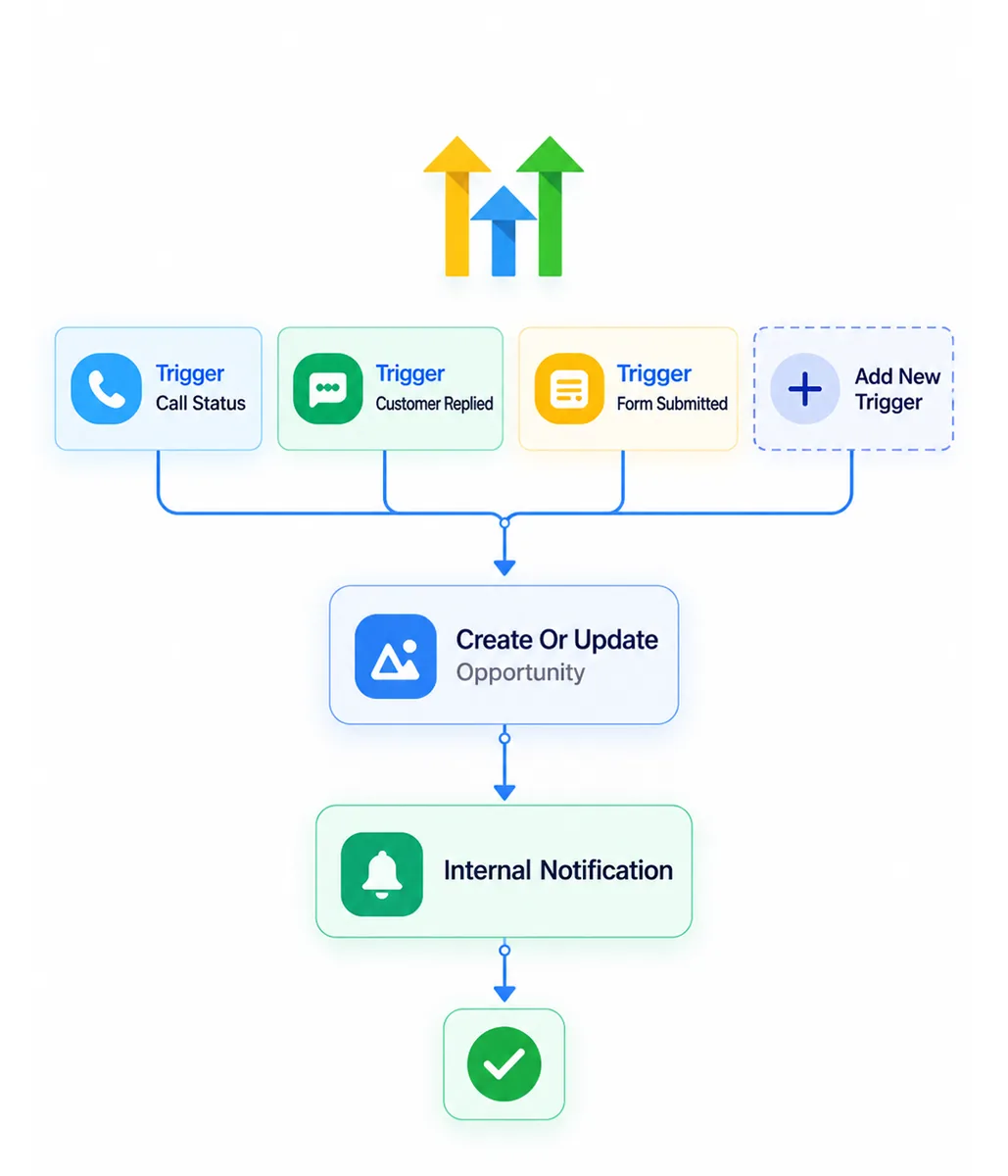
Custom fields, workflow math and conditional notifications work together so the team knows exactly when to act.
A live counter for each event
A dedicated custom field per event holds its registration count. The workflow adds one on every sign-up, so nobody updates numbers by hand.
Notifications at 15 and 20
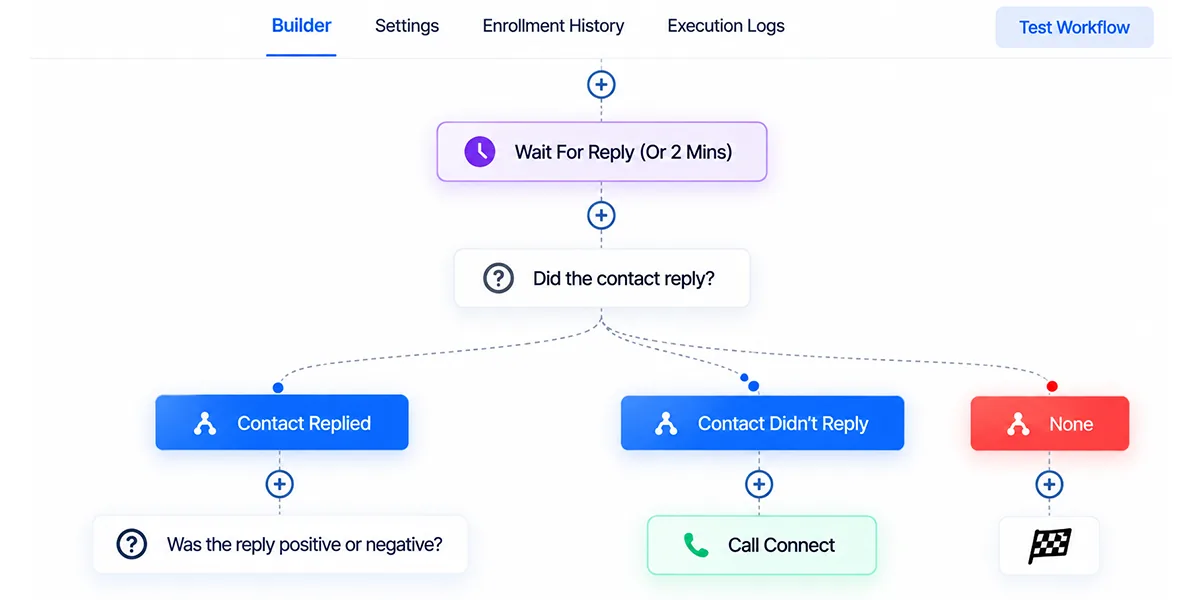
The first alert gives the team time to plan for the last seats. The second tells them to close registration, so the decision is triggered by the system.
Full events point to open dates
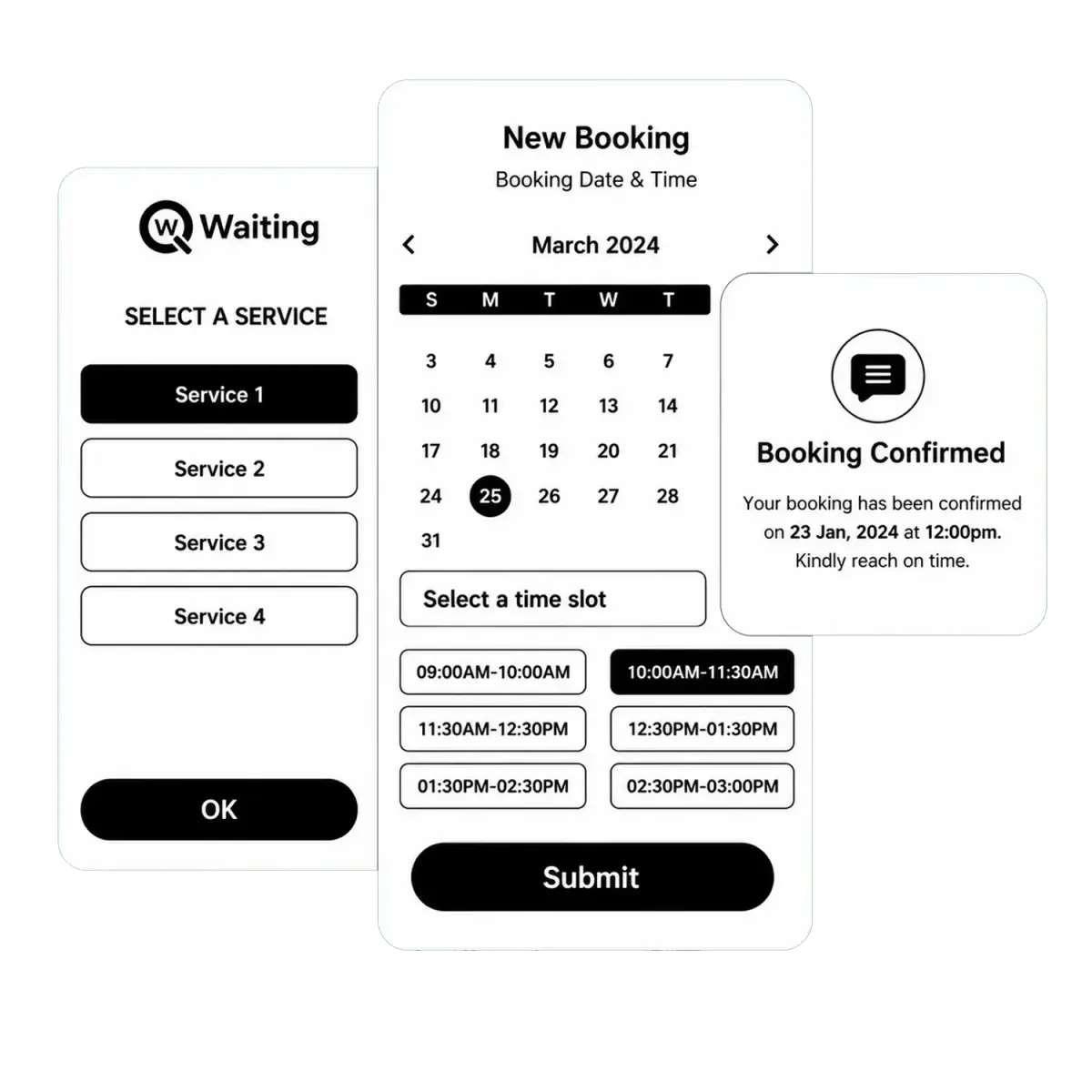
Once an event is closed, the date selection page shows it as full and guides registrants to a session that still has space.
Events that fill up without the admin headache.
Recurring monthly events now run with far less administrative effort.
Every event is counted automatically
Seat numbers stay correct across all open dates without anyone watching a list.
The team hears before an event fills
The alert at 15 gives time to prepare for the final seats instead of reacting at the last minute.
The team knows the moment to close
The alert at 20 tells them exactly when to shut registration for that event.
Registrants are sent to dates with space
People see a full event clearly marked and pick another date instead of signing up for a session with no room.
Room to automate the last manual step.
The counter and alerts give a reliable base for further automation as the event calendar grows.