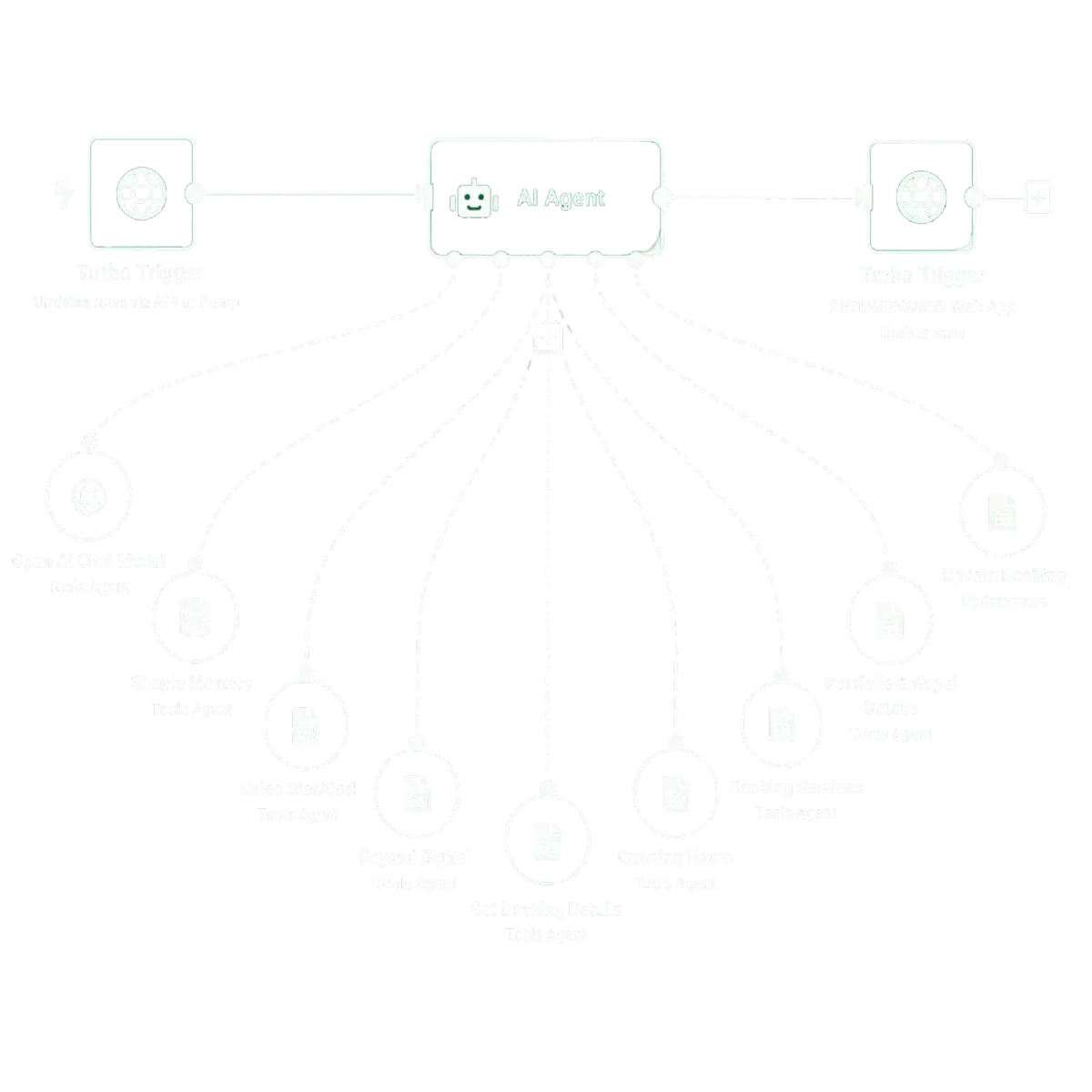
Homecare Organization
Callers wanted care providers near them. The Voice AI could not see the directory. Now it searches the live provider sheet and answers in the same call.
A homecare organization kept its provider directory in Google Sheets: homecare agencies, assisted living facilities and other care providers. Their Voice AI could talk to callers but had no way to read that sheet. We connected the two with a custom action, a webhook, n8n and Google Sheets, so a caller can ask for providers in their area and hear real options before they hang up.
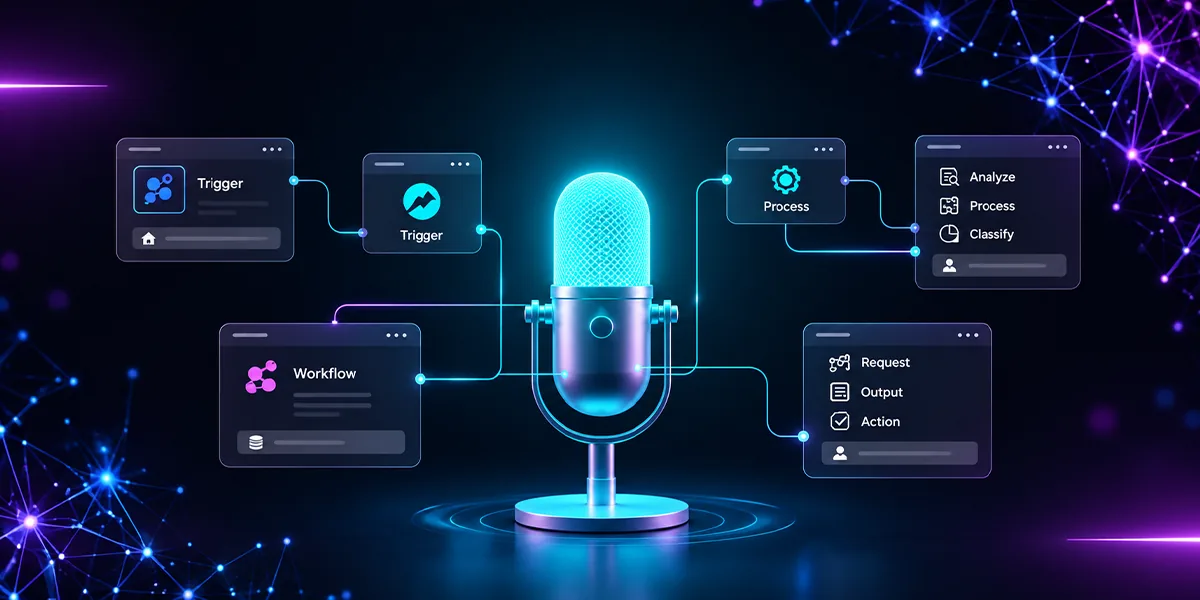
A Voice AI that looks up live provider data during the call and reads back only the matches for that caller.
The answers lived in a spreadsheet the AI could not reach.
The Voice AI could explain homecare in general terms. It could not tell a caller which providers actually served their area, because that data sat in a Google Sheet the team updated by hand.
Provider data sat outside the Voice AI
The directory was easy for the team to maintain in Google Sheets, but the AI had no connection to it during a live call.
Results had to depend on location
A fixed list was useless. Each search had to use the location and care type the caller gave during the conversation.
Data changes over time
Providers get added, details change and service areas move. Copying all of that into the AI prompt would go stale fast and add maintenance work.
Answers had to come back mid-call
Finding matches was only half the job. The results had to return to the AI fast enough for it to keep talking to the same caller.
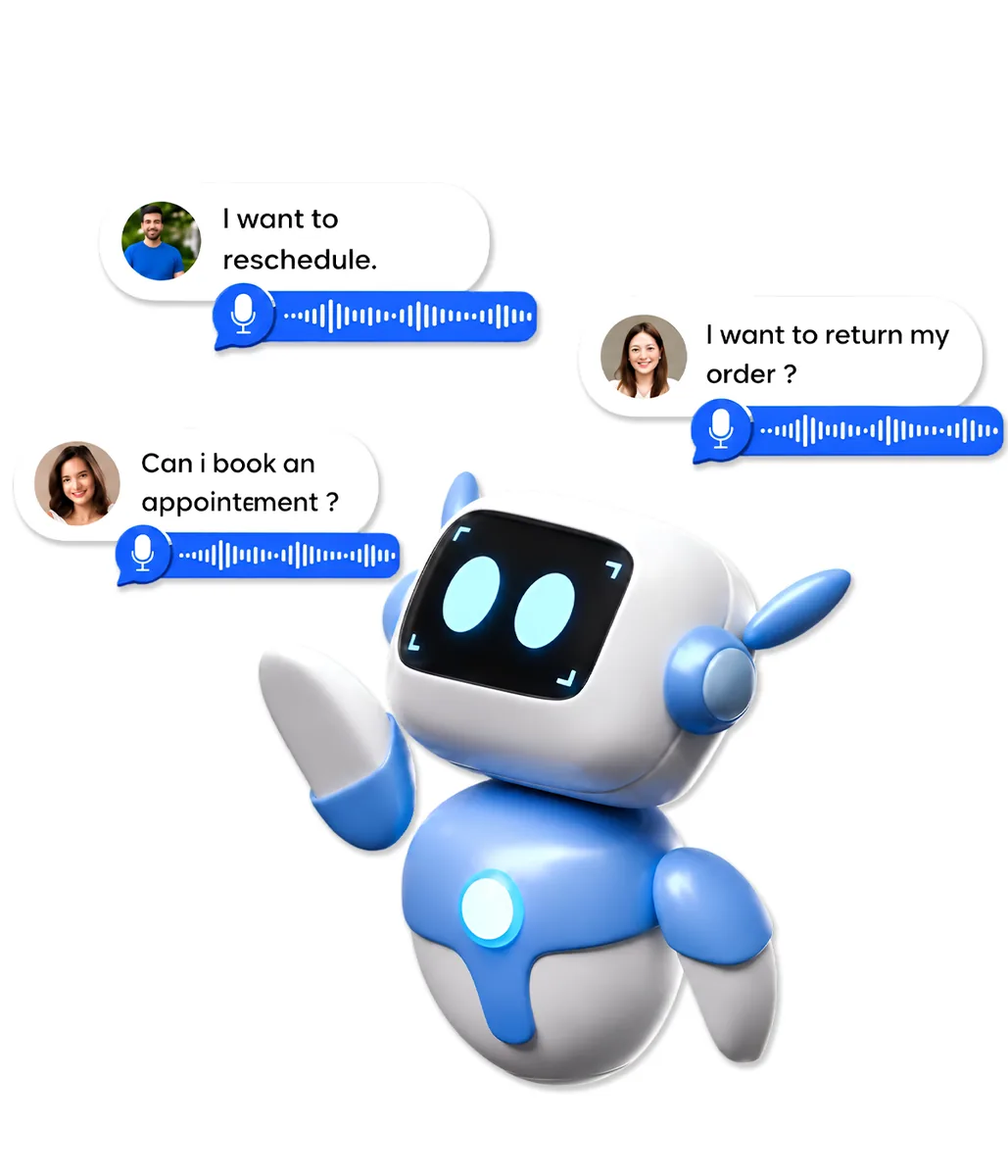
From the caller's question to a spoken answer, in one loop.
Caller, Voice AI, custom action, webhook, n8n, Google Sheets and back again. Every step was built so the request and the reply happen inside the same call.
A custom action gathers the search details
The Voice AI knows when a caller wants provider information. It collects the location and care type, then triggers a provider search action instead of guessing from memory.
A webhook hands the request to n8n
The webhook is the bridge. n8n reads the request, queries the Google Sheet directory and keeps only the providers that match the caller's area and needs.
Matches return to the AI, or a clear no-match
n8n sends the results back through the webhook response. If nothing matches, the AI says so plainly instead of inventing a provider that is not in the directory.
What changed for callers and the team.
The Voice AI moved from general answers to useful, specific help, without staff stepping in to search a spreadsheet.
Callers get real provider options during the call
Someone looking for care hears names and details of providers that serve their area, not a promise that someone will call back.
Staff stop searching the sheet for every caller
The workflow runs the lookup every time, so the team spends its time on people who need a human.
The directory stays the source of truth
The AI only shares what the sheet returns. When nothing matches, it says so instead of making something up.
Update the sheet and the AI is current
The team keeps editing the same Google Sheet. No prompt rewrites and no duplicate copies of provider data in other tools.
One pattern for any data the AI needs to reach.
The same custom action, webhook and n8n structure works wherever a Voice AI needs information that lives outside its own knowledge.